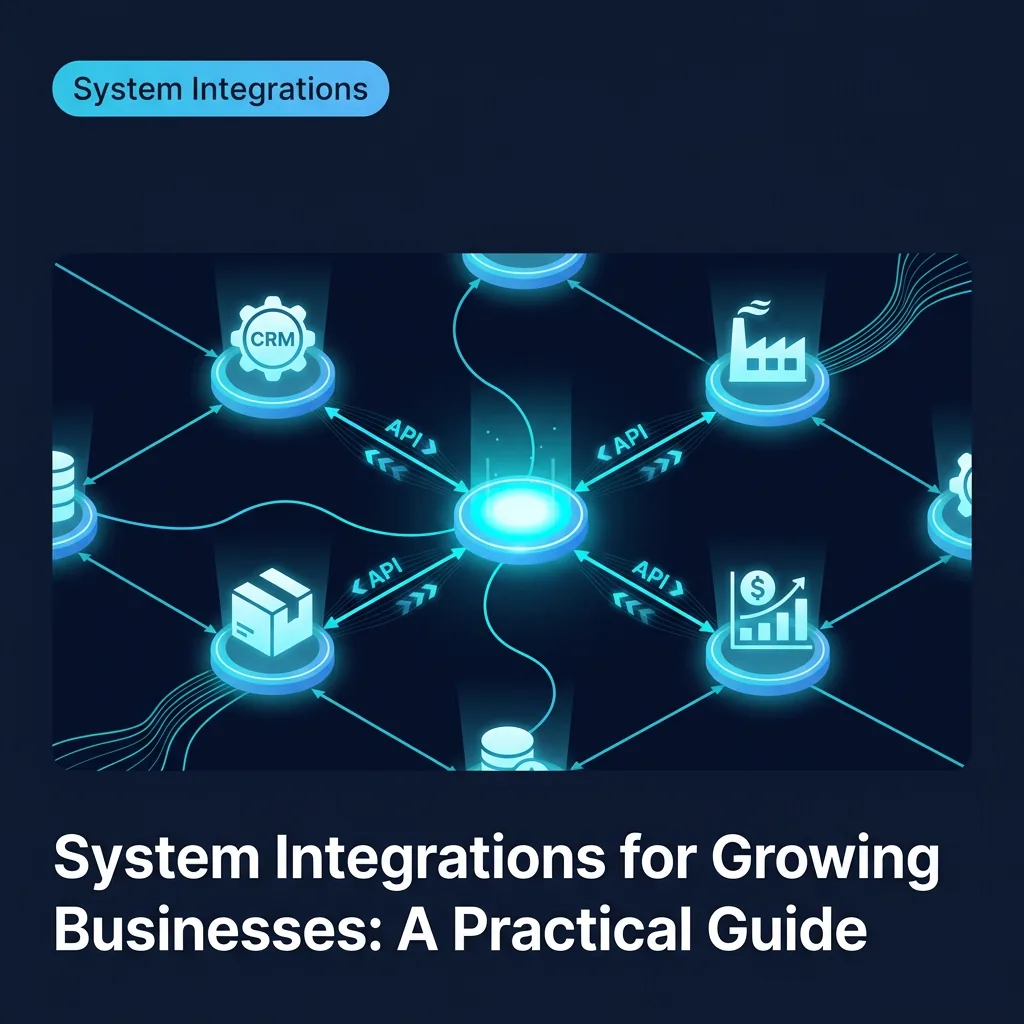
Most growing businesses reach the same inflection point: they have good systems for individual functions — inventory, sales, production, finance — but those systems do not talk to each other. The gap is filled by manual work: exports, imports, spreadsheet calculations, and people who have become informal data translators.
This guide explains when that manual work becomes expensive enough to justify integration work, the integration patterns available to you, and how to approach a project.
The Cost of Disconnected Systems
The cost of disconnected systems is largely invisible because it is distributed. It shows up as:
- Staff time spent copying data between systems
- Delays caused by waiting for data to be updated in one place before it is useful in another
- Errors introduced during manual transfer
- Decisions made with incomplete or stale data
- New staff who need to learn which system to check for which information
A business with five disconnected systems and three staff members spending an average of two hours per week on data transfer is spending 30 staff hours per week on work that does not produce value. At typical rates, that is a significant ongoing cost — and it scales with headcount and transaction volume.
Integration Patterns: What They Are and When to Use Each
There are four main integration patterns. The right choice depends on your data volumes, latency requirements, and the capabilities of the systems involved.
1. Direct API Integration
Two systems communicate directly via API: when something happens in System A, it automatically updates System B in real time or near real time.
Use when:
- Both systems have well-documented REST or GraphQL APIs
- You need real-time or near real-time data flow
- Transaction volumes are moderate (under a few thousand per day)
Example: When a sales order is created in your CRM, it automatically creates a production job in your manufacturing system.
2. Middleware / Integration Platform
A third-party platform (or custom middleware layer) sits between systems and manages the data flow. This pattern is useful when you have multiple systems to connect, or when the logic transforming data between systems is complex.
Use when:
- Three or more systems need to exchange data
- The transformation logic is significant (not just field mapping)
- You want to centralise integration monitoring and error handling
Example: Order management, inventory, logistics, and finance all exchange data through a central integration layer that applies your specific business rules.
3. Scheduled Batch Sync
Data is extracted from one system and loaded into another on a schedule — hourly, daily, or at another interval. This is the simplest pattern and appropriate for non-time-sensitive data flows.
Use when:
- Real-time sync is not needed
- One of the systems lacks a real-time API
- The integration is read-only (reporting, analytics)
Example: Production data is exported nightly to your business intelligence platform for reporting.
4. Event-Driven Architecture
Systems publish events to a shared message queue or event bus. Other systems subscribe to the events they care about and process them asynchronously. This pattern scales well and decouples systems cleanly.
Use when:
- High transaction volumes require asynchronous processing
- Multiple systems need to react to the same event
- You are building for significant future scale
Example: An inventory event (item below reorder threshold) triggers notifications to the purchasing system, alerts to the operations manager, and a report to finance — independently and asynchronously.
The Integration Assessment: What to Document First
Before starting any integration project, document the following:
Data flows. For each manual data transfer currently happening, document: source system, destination system, frequency, volume, transformation logic applied, who does it, and how long it takes.
System capabilities. For each system involved, check: Does it have an API? What events does it publish? What webhooks does it support? What are the rate limits?
Error handling requirements. What happens if the integration fails? Does a missed sync cause a customer-facing problem, or is it a reporting inconvenience?
Volume projections. How much data will flow through the integration now? In two years?
This assessment typically takes one to two days for a small business and reveals where the highest-value integration opportunities are.
Common Integration Projects for Mid-Market Businesses
E-commerce to inventory: Orders placed online automatically decrement inventory and trigger fulfilment. Prevents overselling and eliminates the daily manual stock reconciliation that most e-commerce businesses without this integration run.
CRM to ERP: Customer and deal data in your sales tool automatically creates accounts and jobs in your operations or finance system. Eliminates duplicate data entry and the errors it introduces.
Production to finance: Job completion in your production system automatically creates revenue entries in your accounting system. Closes the loop between operations and finance without a manual export step.
Field service to customer portal: Job status updates in your field service platform appear in real time in your customer-facing portal. Eliminates "where is my engineer?" calls and the manual status-update overhead that answers them.
What Makes Integrations Fail
Most integration projects that fail do so for the same reasons:
Underestimated complexity of the transformation logic. Mapping fields between systems is straightforward. The business logic applied to data during transfer — conditional routing, data enrichment, deduplication — is where complexity lives. This is almost always underestimated in initial scoping.
Insufficient error handling. Every integration will fail occasionally. An integration with no monitoring and no error handling creates data drift that is invisible until it causes a serious problem.
Scope creep during build. "While we are at it" additions during an integration project extend timelines and budgets significantly. Define scope tightly and add scope in subsequent phases.
No ownership after launch. Integrations require ongoing maintenance — as source systems release API updates, as business logic changes, as volumes grow. If no one owns the integration post-launch, it will eventually break.
Getting Started
The pragmatic starting point for most businesses is the integration with the highest manual cost and the simplest transformation logic. This delivers the fastest return and builds confidence in the approach before tackling more complex flows.
Define the scope tightly. Build the monitoring and error handling properly from the start. Assign clear ownership for maintenance.
Done well, a single integration that eliminates 20 hours of manual work per week has a payback period measured in months, not years.
For specifics on how we build integrations — including the tools, patterns, and industries we work in most — see our System Integrations & API Development service page.
Ibistra Tech builds custom integrations and integration middleware for small and mid-market businesses. To discuss your specific systems, contact us.